3 Simple Fixes That Make Your Business Easier to Find and Contact Online
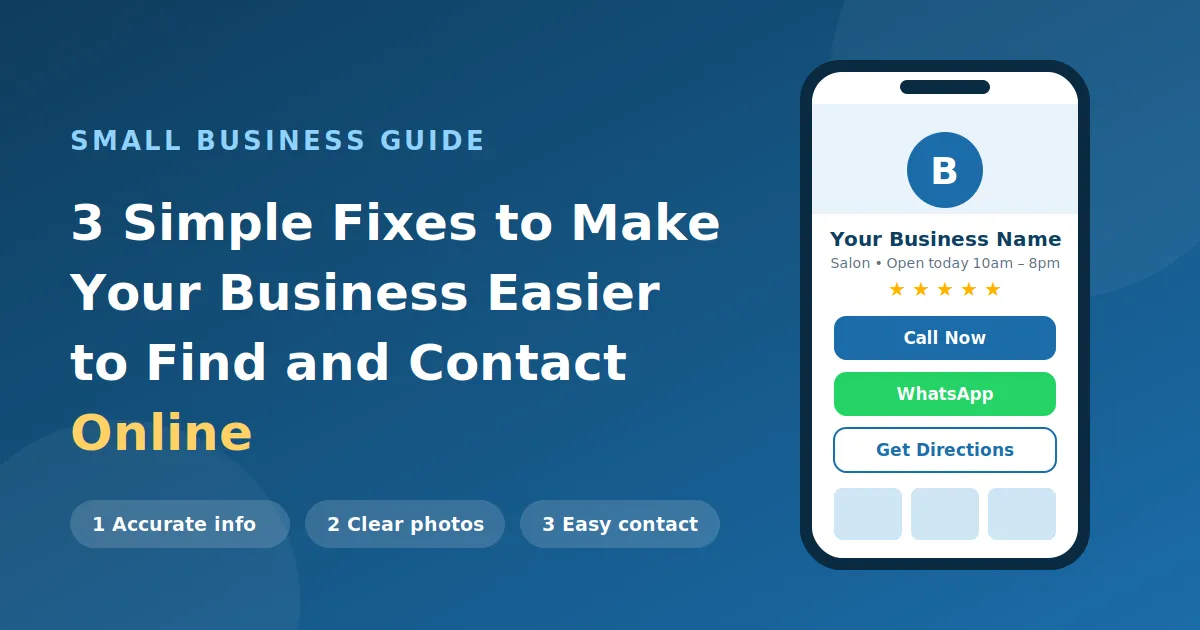
3 Simple Fixes That Make Your Business Easier to Find and Contact Online
A customer hears about your business and decides to learn more. They search for your name, look at your products or services, and try to find your phone number.
Can they find what they need in under a minute?
For many small businesses, this is where potential customers drop off. The products and services may be great, but the online information is incomplete, outdated, or hard to navigate.
Improving your online presence doesn’t have to be expensive. These three fixes are a good place to start.
1. Keep Your Business Information Accurate on Google and Social Media
Your business name, address, phone number, opening hours, and services help customers decide whether to get in touch. If these details are missing or differ between your website, Google listing, and social media pages, customers may struggle to find you or lose trust in what they see.
What you can do:
- Use the same name, address, and phone number everywhere. This is often called NAP consistency, and it helps both customers and search engines.
- Claim and complete your Google Business Profile so you show up on Google Search and Maps.
- Keep your opening hours updated, including holiday timings.
- Describe your products and services using the words customers actually search for, such as “bridal makeup in Mohali” rather than just “beauty services.”
- Check for broken links and outdated details at least once a quarter.
Take a local salon as an example. A customer should be able to see its location, services, timings, and booking options within seconds.
2. Show What You Offer with Clear Photos and Useful Details
Customers like to see what you offer before they enquire. Good photos and clear descriptions help them understand your business and feel confident contacting you.
What you can do:
- Upload clear photos of your products, services, or premises. Real photos work better than stock images.
- Write short, simple descriptions of what you offer.
- Include prices or starting prices if you can, since price is one of the first things customers look for.
- Share recent work, new products, or examples of your services.
- Encourage happy customers to leave reviews, and reply to them.
- Remove outdated photos and information.
Don’t upload images just to fill space. Every photo and description should answer a question or help a customer decide.
3. Make It Easy for Customers to Contact You Online
Being found is only the first step. Customers also need a quick way to ask a question, request a quotation, book an appointment, or place an order. If they have to dig through several pages for your phone number or WhatsApp link, many will simply leave.
What you can do:
- Add a clearly visible call button.
- Provide a working WhatsApp Business link for enquiries.
- Offer more than one way to reach you (call, WhatsApp, email, or a form) so customers can pick what suits them.
- Make sure your website loads quickly and is easy to use on a mobile phone. You can test it with Google PageSpeed Insights.
- Test every contact button and form regularly.
- Reply quickly. A customer who waits days for an answer will usually go elsewhere.
Decide what you want a customer to do next, then make that action obvious and easy.
How a Digital Business Profile Helps Customers Find and Contact You
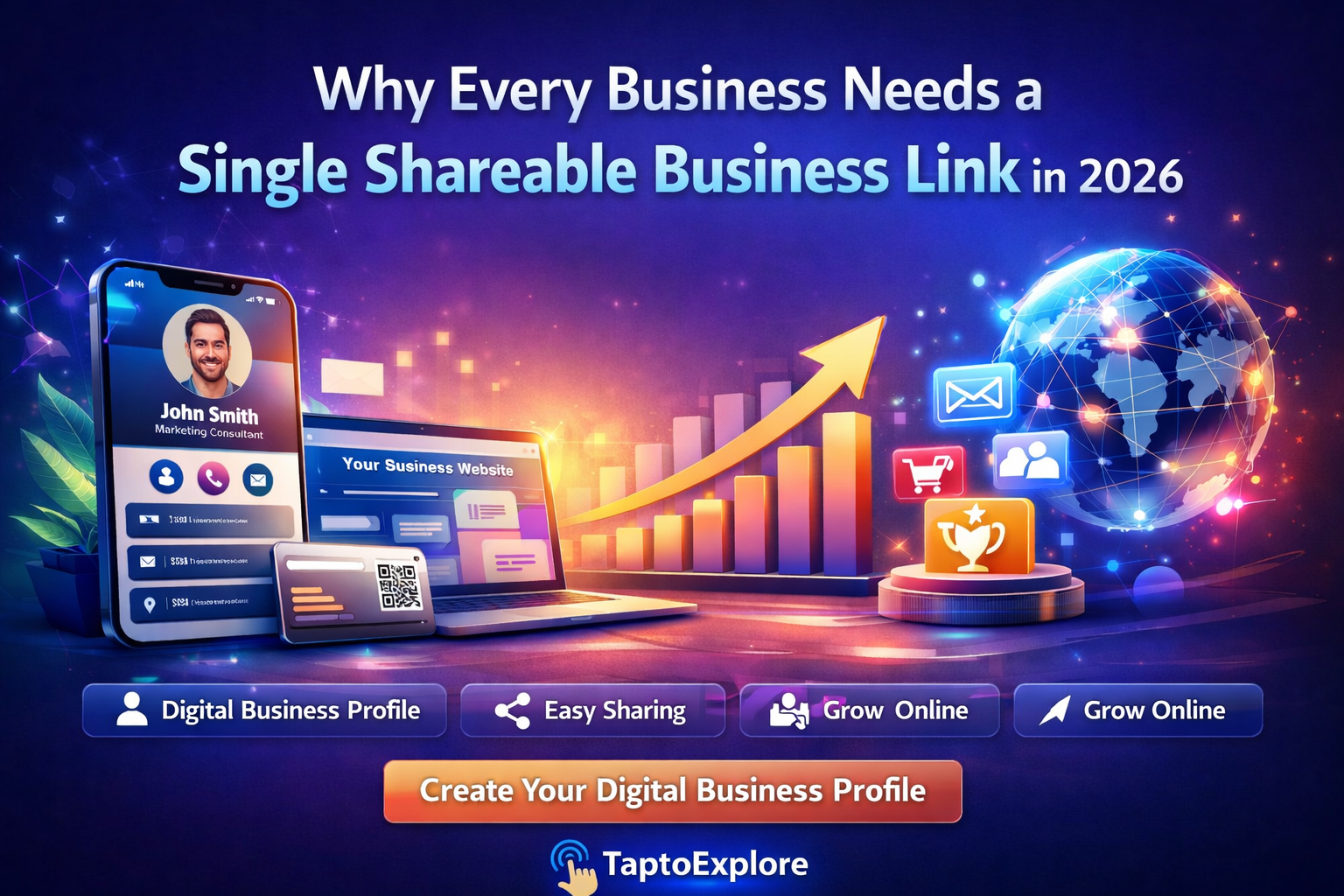
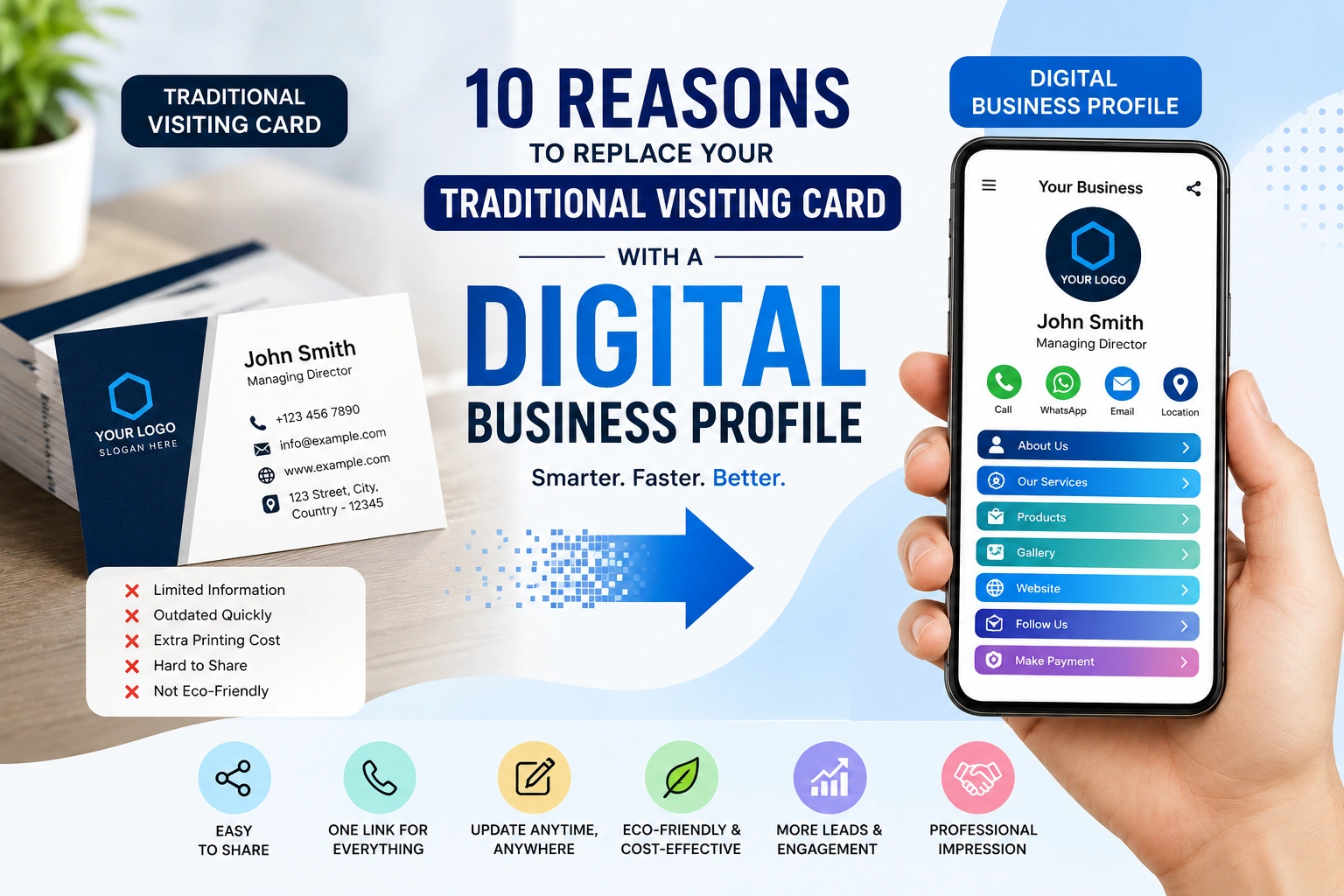
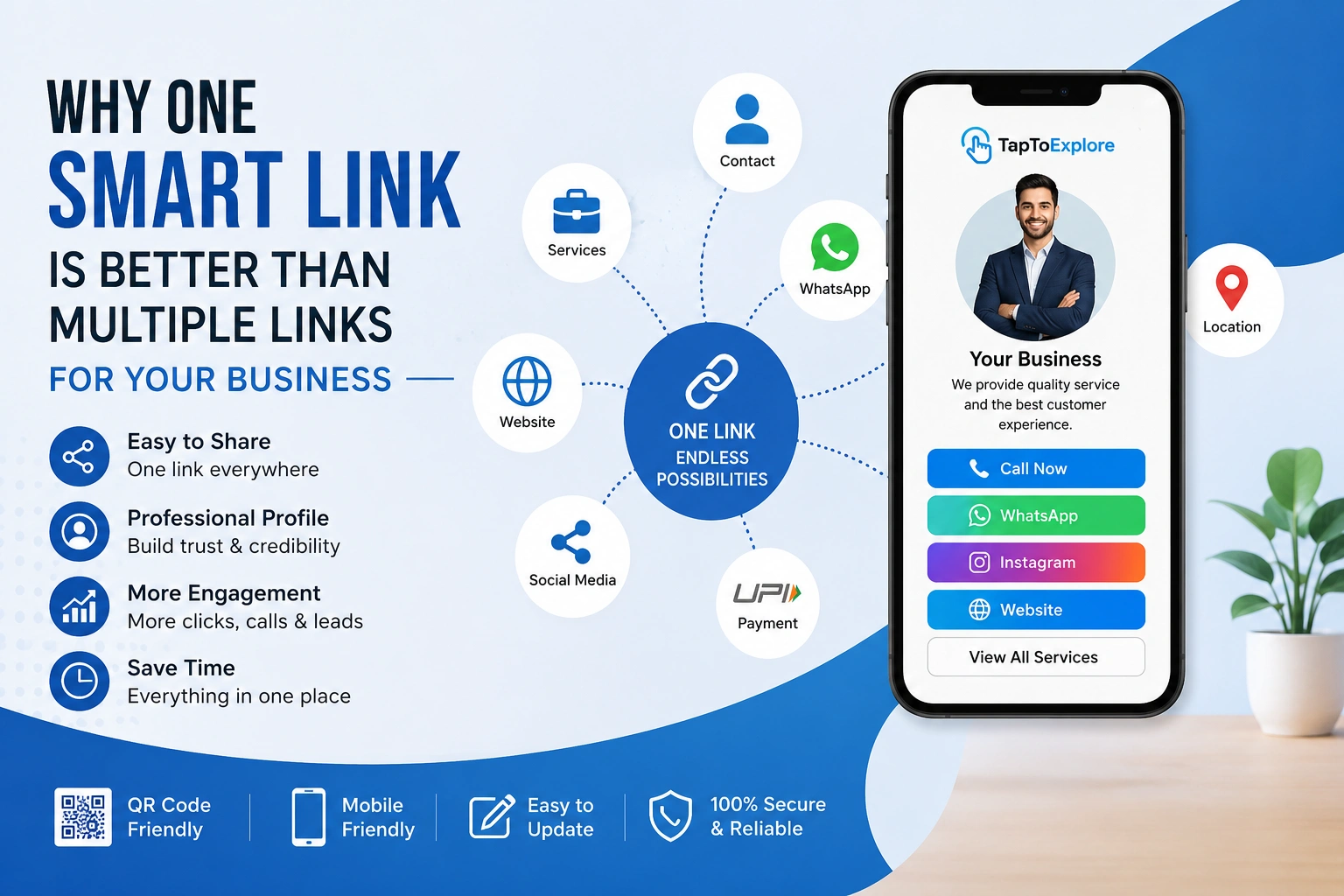
Once your information, photos, and contact options are in order, you need a simple way to share them. A digital business profile puts your contact details, products and services, photos, website, and social links in one place that customers can open with a single link or tap.
It works alongside your other channels, not instead of them. Your website holds the detailed information, your listings help people discover you, and a digital profile gives customers a quick, shareable overview.
TapToExplore creates a digital business profile that customers can open from a QR code, a direct link, WhatsApp, or social media, with no app to download. It brings together the things covered in this post: your products and services, photos, Google reviews, enquiry form, and one-tap buttons for calling, WhatsApp, and Google Maps directions. It suits local businesses such as salons, restaurants, clinics, and freelancers who need customers to find and contact them quickly.
Quick Checklist: Is Your Business Easy to Find Online?
Accurate information
- Business name, address, and phone number are the same everywhere
- Google Business Profile is claimed and up to date
Photos and details
- Photos are real, relevant, and recent
- Products, services, and prices are clearly explained
Easy contact
- Call and WhatsApp buttons work on mobile
- Enquiries get a quick reply
You don’t need to change everything at once. Start with the biggest gap and improve step by step.
Final Thoughts
Look at your business the way a new customer would. Can they understand what you offer, find what they need, and contact you without confusion? Small fixes to that journey can bring in more enquiries.
Want to see how a digital profile could fit into your online presence? Visit TapToExplore.
Frequently Asked Questions
1. How can I make my business easier to find online?
Start with accurate information. Use the same business name, address, and phone number on your website, Google Business Profile, and social media pages. Then add clear photos, describe your services using words customers actually search for, and keep your opening hours up to date.
2. Do small businesses need a website to be found online?
Not always at the start. A complete Google Business Profile, active social media pages, and a clear way to contact you can already help customers find you. A website is still valuable because it gives detailed information and builds trust, but you can improve your online presence step by step.
3. What is the easiest way to let customers contact me online?
Give customers more than one option, such as a call button, a WhatsApp link, an email address, or an enquiry form. Make sure each one works on mobile, since most customers will be using a phone. Test them regularly and reply quickly.
4. What is a digital business profile?
A digital business profile is a single shareable page that brings your contact details, products and services, photos, website, and social links together. Customers can open it through a link or QR code. It works alongside your website and business listings rather than replacing them.
5. Do customers need an app to view a TapToExplore profile?
No. According to TapToExplore, profiles open through a simple web link, so customers can view them on any device without downloading an app. They can reach a profile through a direct link, QR code, social media, or WhatsApp.