Google Map Integration in Digital Business Profile 2026
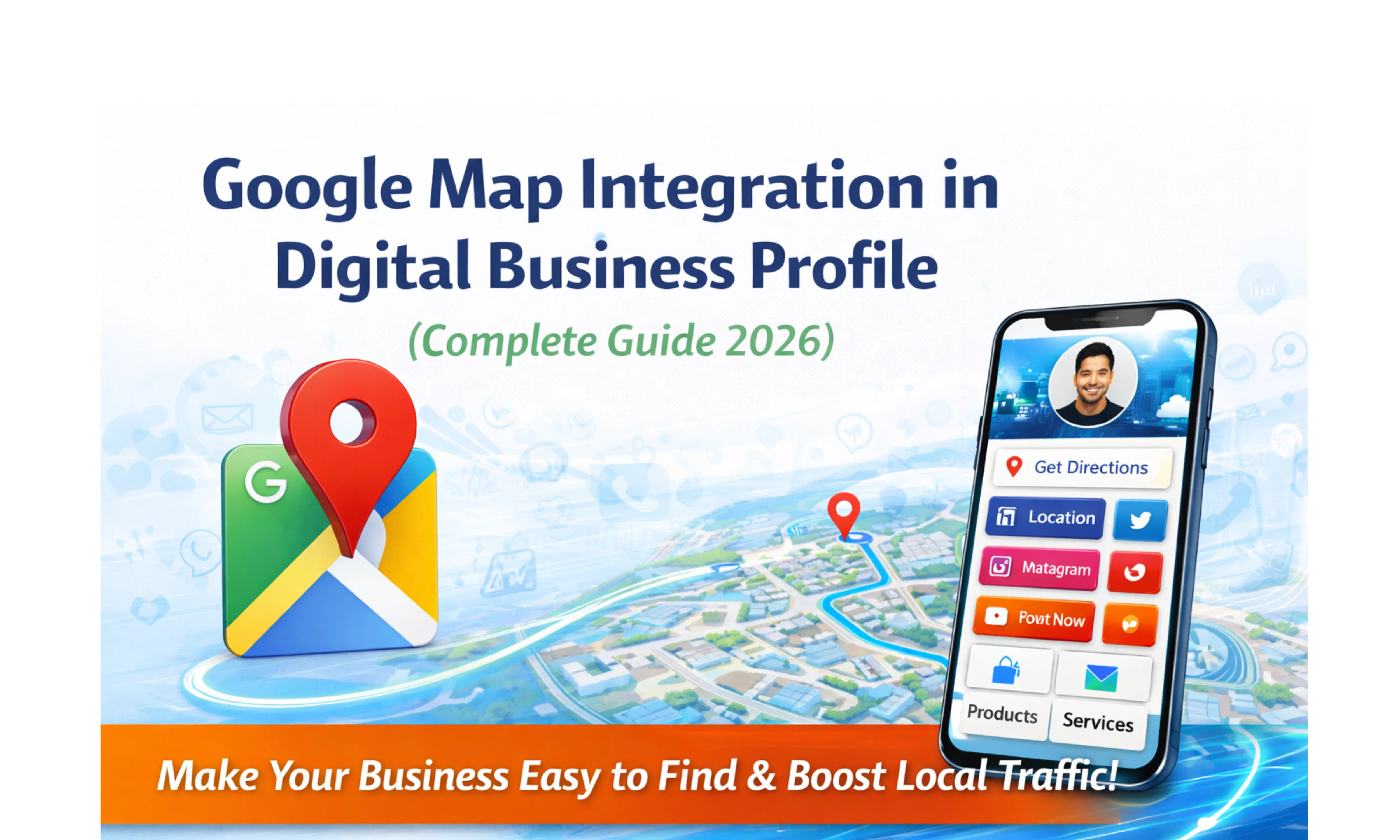
Google Map Integration in Digital Business Profile: Make Your Business Easy to Find (Complete Guide 2026)
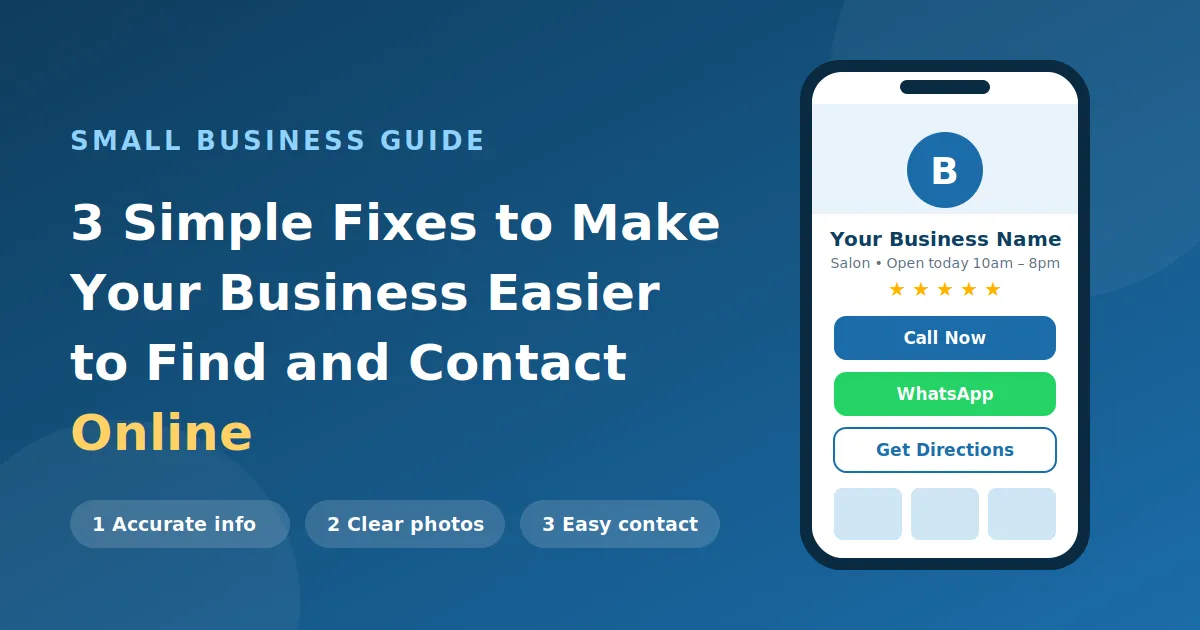
In today’s fast-paced digital world, customers don’t just look for businesses—they expect to find them instantly and reach them without any confusion. Imagine a potential customer is ready to visit your shop, office, or clinic, but struggles to locate your exact address or gets unclear directions. In most cases, they won’t waste time trying again—they will simply choose another nearby option. This is the reality of modern consumer behavior, where convenience plays a crucial role in decision-making. That’s why integrating Google Maps and location sharing into a digital business profile has become essential rather than optional. It allows customers to find your business location with just one tap, get accurate directions, and reach you effortlessly. In this guide, we will explore how Google Map integration and smart location sharing can make your business easier to find, improve customer experience, and significantly boost your local visibility and conversions in 2026.
What is Google Map Integration in a Digital Business Profile?
Google Map integration allows you to add your business location directly into your digital business profile.
Instead of typing your address manually, customers can:
Click on your location
Open Google Maps
Start navigation instantly
This eliminates confusion and makes your business easier to access.
Why Location Sharing is Important for Businesses
1. Customers Want Convenience
Modern customers expect everything to be fast and simple.
They don’t want to:
Copy-paste addresses
Call for directions
Search manually
They want one-click navigation.
2. Drives More Foot Traffic
If customers can easily find you, they are more likely to visit.
Easier access = more visits = more sales
3. Reduces Drop-Off
Confusing directions lead to lost customers.
Location sharing removes that friction.
4. Builds Trust
A clear, accurate location makes your business look professional and reliable.
How Google Map Integration Works
The process is simple:
Customer opens your digital business profile
Clicks on “Location” or “Get Directions”
Google Maps opens
Navigation starts
That’s it—no extra effort required.
Key Benefits of Google Map Integration
1. Easy Navigation
Customers can reach your business without confusion.
2. Better Local Visibility
Google Maps improves your local presence.
3. Increased Walk-In Customers
More visibility leads to more foot traffic.
4. Improved Customer Experience
Simple and smooth experience builds satisfaction.
5. Competitive Advantage
Many businesses still don’t optimize this—this is your chance to stand out.
Real-Life Scenario
Let’s understand with an example:
A customer searches for a service near them.
They find your digital business profile.
They check your services
See your images
Click on location
Start navigation
Visit your business
All within minutes.
Why It is a Must-Have Feature in 2026
Customer behavior is changing rapidly.
People now rely heavily on:
Mobile phones
GPS navigation
Instant directions
If your business is not easy to find:
You are losing customers daily.
Businesses That Benefit the Most
Local Shops
Customers can easily find your store.
Clinics & Doctors
Patients can reach you without confusion.
Restaurants & Cafes
Location is everything for walk-ins.
Offices & Agencies
Clients can visit easily.
Service Providers
Location builds trust.
How It Improves Lead Generation
Here’s how it works:
User finds your profile
Sees your services
Clicks location
Visits your business
Direct conversion.
Combining Google Maps with Other Features
The real power comes when you combine features:
WhatsApp- for communication
Maps- for navigation
Payments- for transactions
Complete customer journey in one place.
How to Add Google Map Integration
Step 1: Open your digital business profile
Step 2: Add your business location
Step 3: Enable map feature
Step 4: Save & publish
Done in minutes.
Best Practices for Location Sharing
Use Accurate Location
Always pin the correct spot.
Add Landmark Info
Helps customers find you faster.
Keep Updated
Update if you change location.
Test Your Link
Always check if it works properly.
SEO Benefits of Google Map Integration
Improves local SEO
Increases engagement
Boosts visibility
Enhances user experience
Helps in ranking indirectly.
Why TapToExplore is the Best Choice
TapToExplore makes it easy to:
Add Google Map location
Share one link
Combine all features
Improve customer experience
Everything in one place.
Future of Location-Based Business
In the future:
AI-based navigation
Smart location suggestions
Hyper-local targeting
Businesses that optimize now will win later.
Conclusion
Making your business easy to find is not optional—it is essential.
With Google Map integration in your digital business profile, you:
Improve accessibility
Increase foot traffic
Boost conversions
Enhance customer experience
If customers can’t find you, they can’t choose you.
Create your digital business profile with TapToExplore
Add Google Map integration instantly
Make your business easy to find and grow faster
FAQs
What is Google Map integration in a digital business profile?
It allows customers to find your business location and navigate easily using Google Maps.
Does location sharing increase customers?
Yes, it improves accessibility and increases foot traffic.
Is it important for small businesses?
Absolutely. It is crucial for local visibility and growth.
Can I update my location later?Yes, you can update it anytime.
Suggested Read: Digital Business Profile Features Explained: Complete Guide for Modern Businesses 2026