Step-by-Step Guide: Build Your Website Using TapToExplore
In today’s digital-first world, having a website is no longer optional for businesses—it is essential. Customers search online before they trust, contact, or purchase from any business. A website acts as your digital identity, available 24/7, representing your brand even when you are offline.
However, many business identify owners delay creating a website because they believe it requires technical skills, developers, or high investment. This is where TapToExplore changes everything. It allows you to build a professional business website quickly, easily, and without coding.
This step-by-step guide will show you exactly how to build your website using TapToExplore and establish a strong online presence with confidence.
Why Choose TapToExplore to Build Your Website?
Before starting the steps, it’s important to understand why TapToExplore is the right platform.
TapToExplore is designed for business owners, not developers. It helps you:
-
Create a professional website without coding
-
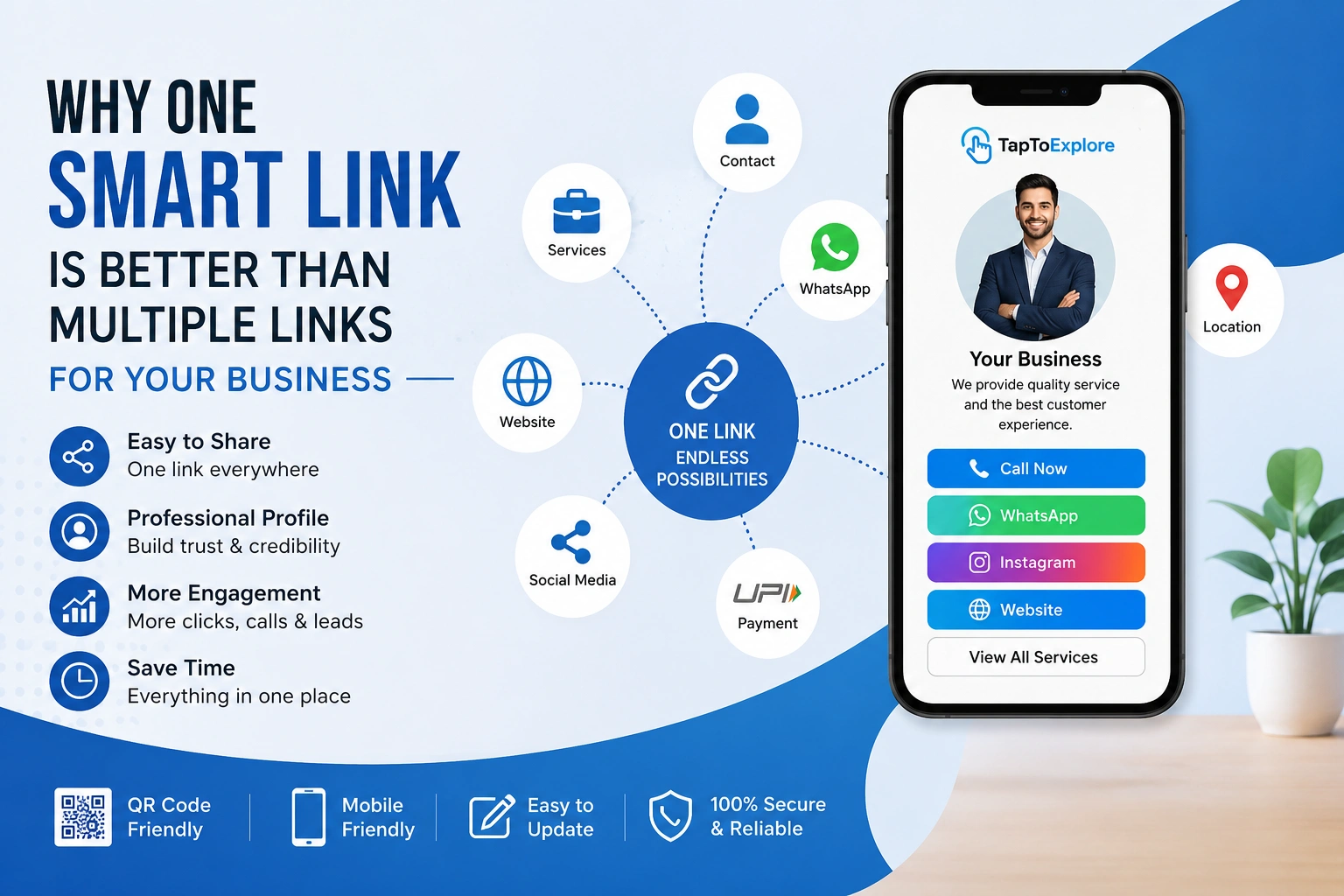
Share complete business information in one place
-
Build trust and online visibility
-
Save time and development costs
Whether you are a small business owner, freelancer, service provider, or local brand, TapToExplore simplifies the entire website creation process.
Step 1: Sign Up on TapToExplore
The first step is to create your account on TapToExplore.
-
Visit the TapToExplore platform
-
Sign up using your basic details
-
Access your dashboard
The registration process is simple and takes only a few minutes. Once logged in, you are ready to start building your website.
Step 2: Enter Your Business Details
Your website represents your Digital business, so accurate information is crucial.
Add essential details such as:
-
Business name
-
Business category
-
Description of your services or products
-
Contact number and email
-
Business location (if applicable)
TapToExplore allows you to organize all this information neatly, making it easy for customers to understand your business at a glance.
Step 3: Add Your Services or Products
This is one of the most important sections of your website.
Clearly list:
-
What you offer
-
Key features of your services or products
-
Benefits for customers
When customers visit your website, they should instantly know how you can help them. Clear service information builds trust and increases inquiries.
Step 4: Upload Visual Elements
Visuals play a major role in building credibility.
With TapToExplore, you can:
-
Upload your business logo
-
Add images related to your services
-
Create a visually appealing profile
You don’t need design skills—TapToExplore ensures your website looks clean and professional automatically.
Step 5: Customize Your Website Layout
TapToExplore provides ready-made layouts that are optimized for business use.
You can:
-
Arrange sections easily
-
Highlight important information
-
Maintain a professional look
The platform ensures that your website remains responsive and user-friendly across all devices.
Step 6: Add Contact and Action Buttons
A website is effective only if customers can contact you easily.
TapToExplore allows you to add:
-
Call buttons
-
WhatsApp or inquiry options
-
Contact forms
This makes it simple for visitors to reach out, increasing engagement and lead generation.
Step 7: Preview Your Website
Before publishing, always preview your website.
Check:
-
Content clarity
-
Accuracy of information
-
Overall appearance
TapToExplore lets you review everything in real time, so you can make changes instantly if needed.
Step 8: Publish Your Website
Once everything looks perfect, publish your website.
Your TapToExplore website is now:
-
Live
-
Accessible online
-
Ready to share with customers
You now have a professional digital presence without hiring developers or agencies.
Step 9: Share Your Website Everywhere
After publishing, use your website actively.
Share it:
-
On social media
-
With customers via WhatsApp
-
On visiting cards and invoices
-
In email signatures
Your website becomes your central digital identity, helping customers find and trust you easily.
Step 10: Update and Improve Regularly
One of the biggest advantages of TapToExplore is flexibility.
You can:
-
Update services anytime
-
Change contact details instantly
-
Add new information as your business grows
This ensures your website stays relevant and accurate at all times.
Benefits of Building Your Website with TapToExplore
By following these steps, you gain several long-term benefits:
-
Professional online presence
-
Increased customer trust
-
Better visibility in digital searches
-
Higher engagement and inquiries
-
Time and cost savings
TapToExplore acts as a digital growth partner rather than just a website tool.
Who Should Use TapToExplore?
TapToExplore is ideal for:
-
Small business owners
-
Local shops
-
Service providers
-
Freelancers and consultants
-
Startups
Anyone who wants a simple, professional website can benefit from it.
Future of Business Websites
In the coming years, businesses without an online presence will struggle to compete. Customers will continue to trust businesses that are visible, transparent, and accessible online.
With TapToExplore, building and managing a website is no longer a challenge—it is a smart business decision.
Conclusion
Building a website no longer requires technical expertise, developers, or large budgets. With TapToExplore, you can create a professional business website step by step, quickly and confidently.
By following this guide, you can establish a strong online presence, build customer trust, and position your business for long-term growth. Your website is your digital identity—and with TapToExplore, creating it is simple, fast, and effective.