
How to Create a Digital Business Card in Minutes: Step-by-Step Guide
In today’s digital-first world, customers search online before contacting any business. Whether you are a small business owner, freelancer, or service provider, your digital presence plays a critical role in how customers perceive and trust you. This is why Digital Business Cards and Digital Business Profiles have become essential tools for modern businesses.
A digital business profile is more than just an online page—it is your business identity. With platforms like TapToExplore, you can create a professional digital business profile in minutes, without coding, developers, or technical skills.
This step-by-step guide will help you understand what a digital business profile is, why it matters, and how to create one easily using TapToExplore.
What Is a Digital Business Profile?
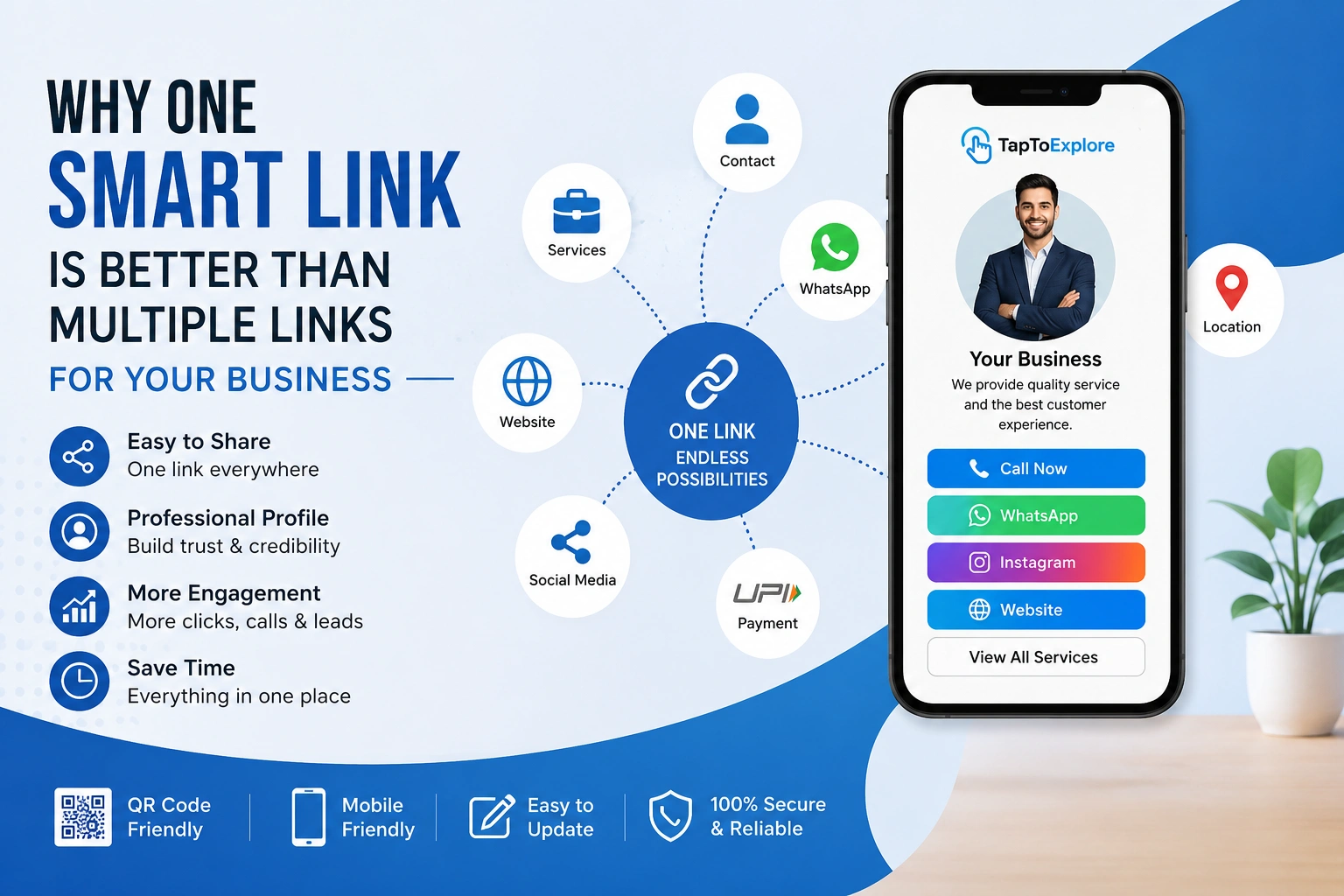
A digital business profile is an online profile that displays all your business information in one place. It works like an advanced version of Digital Business Cards, allowing customers to view, trust, and contact your business instantly.
A digital business profile typically includes:
-
Business name and category
-
Services or products
-
Contact details
-
Business description
-
Location (if applicable)
-
Social media or communication links
Unlike traditional visiting cards, digital business profiles are easy to share, update, and access anytime.
Why Digital Business Profiles Matter in 2025
Customer behavior has changed. Before making any decision, people:
-
Search online
-
Compare businesses
-
Check credibility
If your business does not appear clearly online, customers may move to competitors. Digital business profiles Identify help businesses stay visible, professional, and trustworthy.
Digital Business Cards and profiles have replaced paper cards because they are:
-
Always accessible
-
Easy to share
-
More informative
-
Environment-friendly
If your business does not appear clearly online, customers may move to competitors. Digital business profiles help businesses stay visible, professional, and trustworthy.
Step-by-Step Guide to Create a Digital Business Profile Using TapToExplore
Step 1: Sign Up on TapToExplore
Start by registering on the TapToExplore platform. The sign-up process is simple and takes only a few minutes. Once registered, you gain access to your dashboard.
Step 2: Add Your Business Information
Enter accurate business details such as:
-
Business name
-
Business category
-
Contact number and email
-
Business description
Clear and correct information helps customers understand and trust your business.
Step 3: List Your Services or Products
This section is crucial for customer clarity. Add:
-
Services you offer
-
Product details (if applicable)
-
Key benefits
Well-defined services increase customer interest and inquiries.
Step 4: Upload Your Logo and Images
Visual elements improve credibility. Upload:
-
Business logo
-
Relevant images
TapToExplore ensures your digital business profile looks professional without design skills.
Step 5: Customize Your Digital Profile
TapToExplore provides a clean and structured layout that works across devices. You can organize information to highlight what matters most to your customers.
Step 6: Add Contact & Action Buttons
Make it easy for customers to contact you by adding:
-
Call buttons
-
WhatsApp or inquiry options
Easy communication increases customer engagement.
Step 7: Preview Your Digital Business Profile
Before publishing, preview your profile to ensure:
-
Information is accurate
-
Content is clear
-
Layout looks professional
You can make instant changes if needed.
Step 8: Publish Your Profile
Once everything is ready, publish your digital business profile. Your profile is now live and accessible online.
You now have a modern alternative to traditional Digital Business Cards.
How Digital Business Profiles Help You Get More Customers
A digital business profile helps by:
-
Improving online visibility
-
Building customer trust
-
Making contact easier
-
Supporting business growth
Customers prefer businesses that look professional and easy to reach.
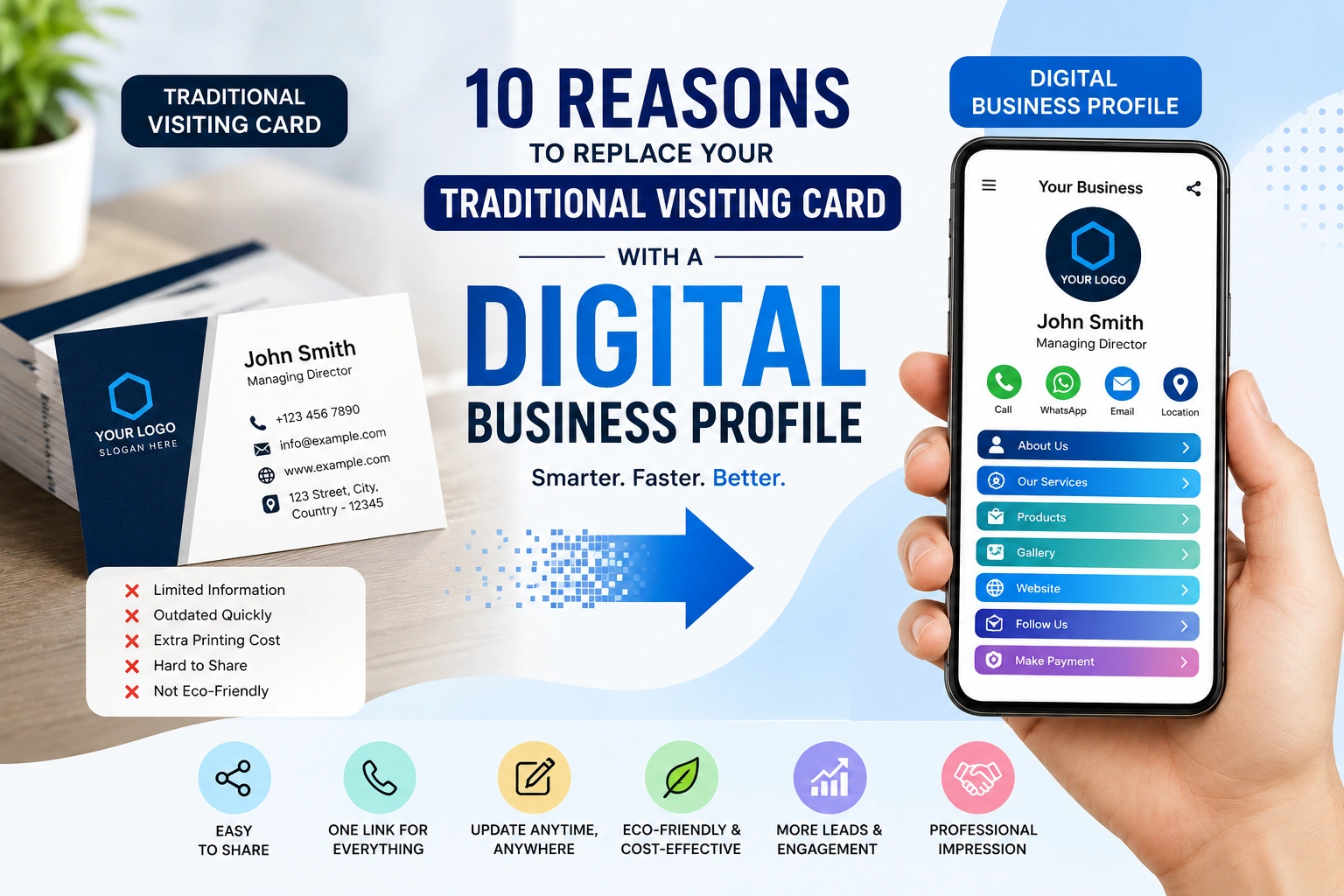
Digital Business Cards vs Traditional Visiting Cards
| Feature | Traditional Cards | Digital Business Cards |
| Information | Limited | Complete |
| Updates | Not possible | Easy |
| Sharing | Manual | Instant |
| Cost | Repeated | One-time |
| Accessibility | Offline | Online |
Digital Business Cards through TapToExplore are smarter, flexible, and future-ready.
Who Should Use a Digital Business Profile?
Digital business profiles are ideal for:
-
Small business owners
-
Local shops
-
Service providers
-
Freelancers
-
Consultants
-
Startups
If customers search for your services online, you need a digital business profile.
Common Mistakes to Avoid
While creating your profile, avoid:
-
Incomplete information
-
Outdated contact details
-
Unclear service descriptions
TapToExplore allows quick updates, so keep your profile current.
Future of Digital Business Profiles
In the coming years, digital profiles will replace paper cards completely. Businesses that adopt Digital Business Cards early gain a competitive advantage.
A digital business profile is not just a trend—it is the future of business identity.
Conclusion
Creating a digital business profile no longer requires technical knowledge or high investment. With TapToExplore, you can create a professional digital business profile in minutes and replace outdated Digital Business Cards with a modern, effective solution.
Your digital business profile works 24/7, builds trust, and helps customers choose you with confidence. If you want to grow online and stay relevant, now is the time to create your digital business profile using TapToExplore.